Here’s Your Update
Retire the “any update?” call.
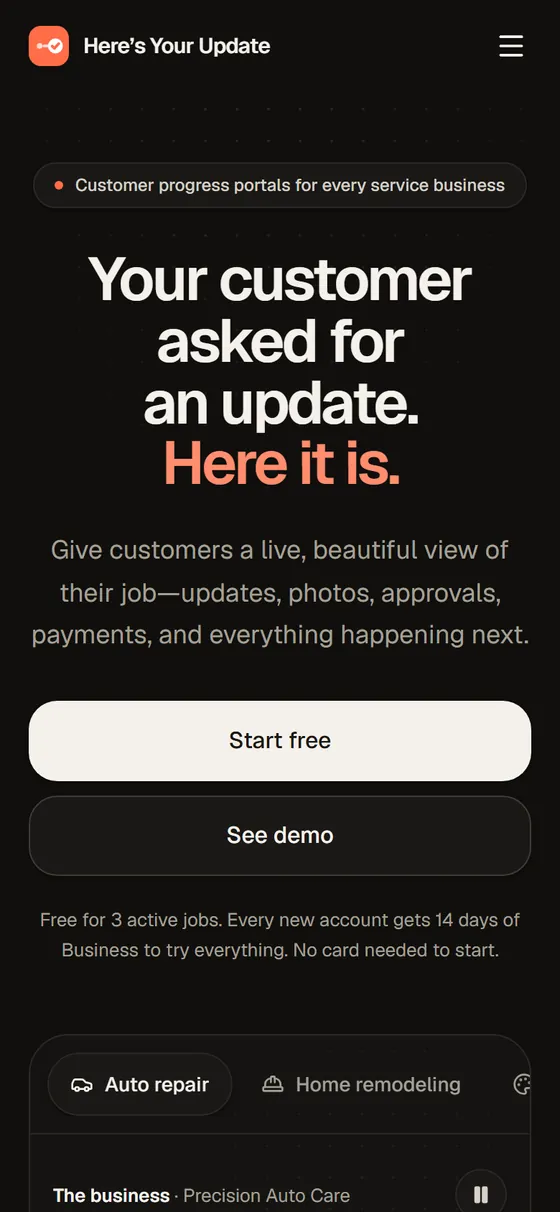
Set up a project, send your client a private link, and let them follow along every step of the way — live progress, photos, approvals, payments and what’s coming next, without ever picking up the phone.

Web — mobile-first client pages
Live
Contractors, shops, studios & service pros
Free plan · paid tiers from $29/mo
(01) // Briefing
Every service business knows the call: “Hey, any update?” Here’s Your Update replaces it with a link. Set up a job, share its private page with your client, and they can follow along every step of the way — the current stage, the estimated finish, photos from the field, decisions waiting on them and a clean timeline of everything that’s happened so far.
Posting an update takes seconds. Jot down a rough note from the job and AI polishes it into a clear, friendly update using only the facts you gave it — you review everything before it goes live. Change orders become one-tap approvals with the cost and schedule impact spelled out, saved with a timestamp, a signature and a PDF copy for your records.
There’s no app to download and no account for your client to create. Just a link that works beautifully on any phone — with an optional PIN, an expiry date and read receipts so you know they’ve seen it.
(02) // Capabilities
What it does
- MOD 01
Live job pages
Stage, ETA, next step and a full timeline of updates, photos, approvals and payments.
- MOD 02
Private, controllable links
Optional PIN or expiry, open receipts, and revoke or replace a link any time.
- MOD 03
Approvals on record
Change orders with cost and schedule impact — every decision timestamped, signed and saved as a PDF.
- MOD 04
Photos that tell the story
Post from your phone, show before-and-after with a comparison slider, keep internal shots internal.
- MOD 05
AI-polished updates
Rough notes become professional updates — grounded in your facts and reviewed by you.
- MOD 06
Templates for every trade
Auto repair, remodeling, restoration, creative studios, repair shops and professional services.
(03) // Flight plan
How it works
- T-3 · Step 01
Jot it down
Drop a quick, rough note from the job.
- T-2 · Step 02
Polish & publish
AI turns it into a clear update — or write it yourself — then publish.
- T-1 · Step 03
Client stays in the loop
They check progress, browse photos and approve work right from their phone.